BlockLauncher
Tools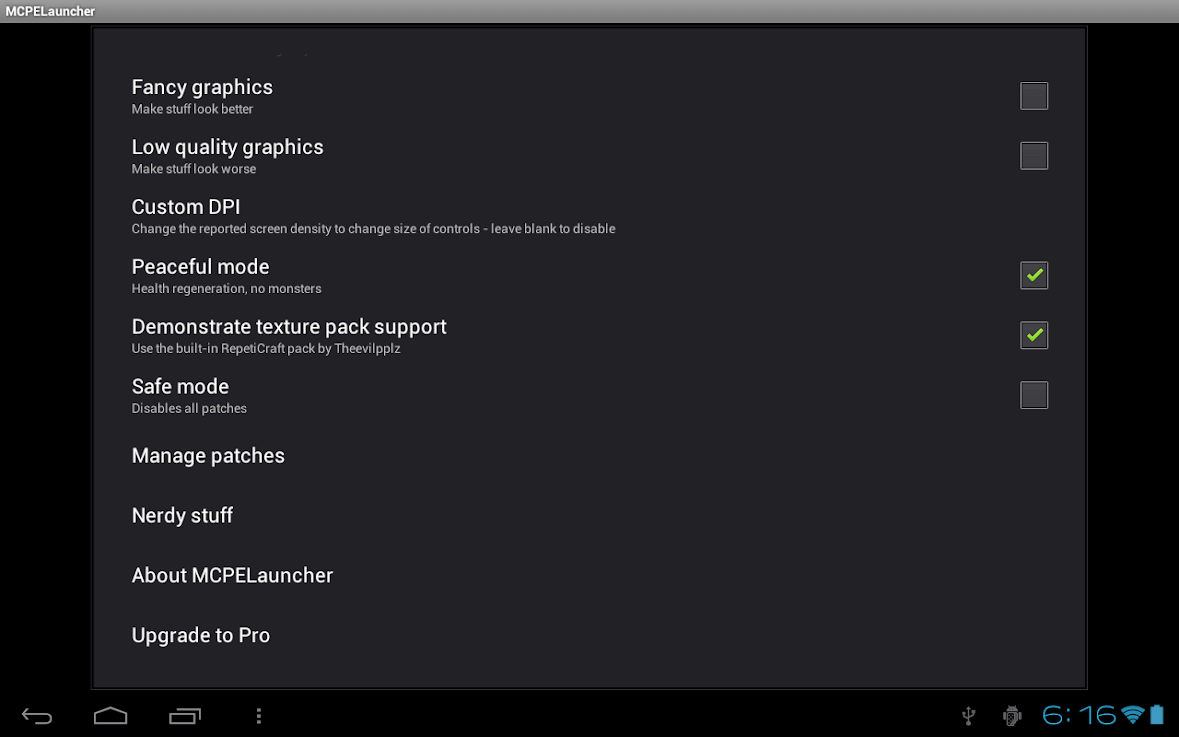
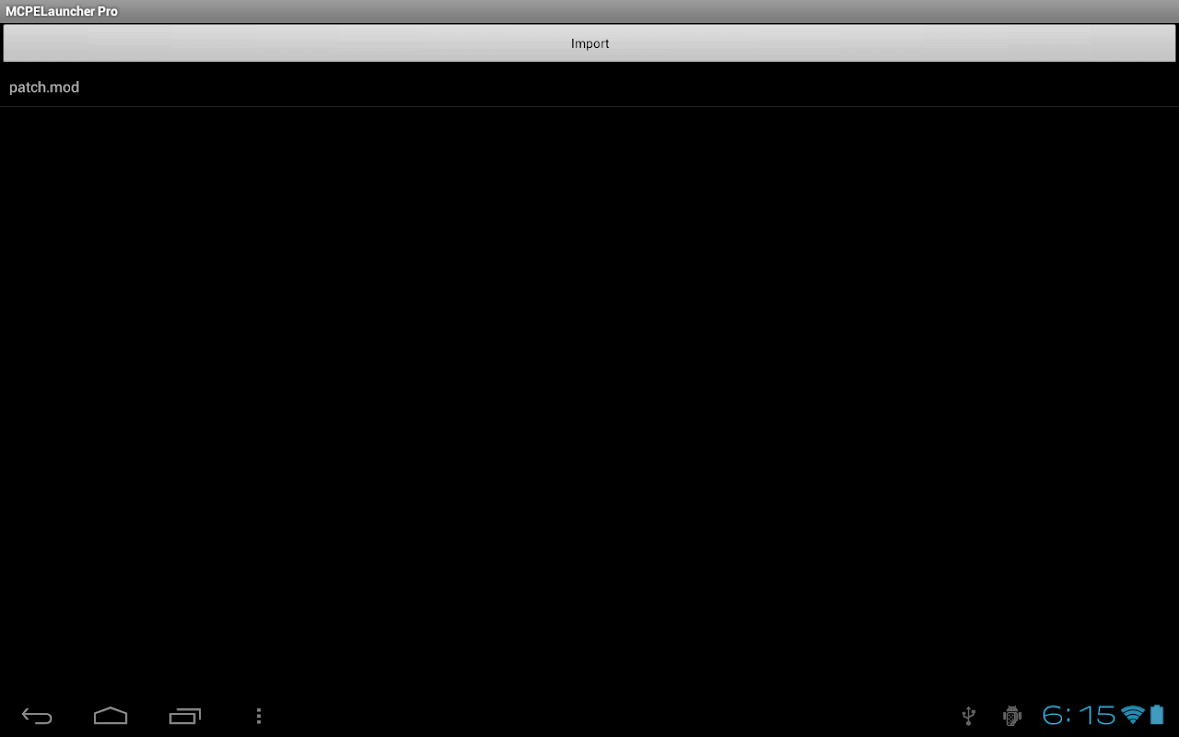

BlockLauncher is a lightweight Android tool that lets Minecraft Pocket Edition players load custom content without needing a rooted device. The app acts as a bridge between the official game and third‑party modifications such as texture packs, behavior packs, and server add‑ons.
This page provides the latest official build (v1.27), a step‑by‑step installation guide, and practical tips for keeping your Minecraft experience stable.
Quick Information
| App/Game Name | BlockLauncher |
| Latest Version | 1.27 |
| Developer | Not listed |
| Category | Apps / Tools |
| App Size | 30.08 MB |
| Package Name | net.zhuoweizhang.mcpelauncher |
| Last Updated | 14 January 2026 |
What Is BlockLauncher?
BlockLauncher serves as a mod loader for Minecraft Pocket Edition (now known as Minecraft Bedrock Edition). It enables users to:
- Import and activate texture packs that change the look of blocks and items.
- Load behavior packs or scripts that add new gameplay mechanics.
- Connect to custom servers that are not listed in the official server browser.
- Apply quick fixes for known bugs in the base game.
The app does not contain any Minecraft game files itself; it works only when the official Minecraft PE is already installed. Because it modifies how the game loads resources, some features may stop working after a major game update.
Compatibility
| Android Version | ✓ Verified — 2.3 and up |
| Architecture (ARM64 / 32-bit) | ✓ Verified — Supports common device architectures |
| Internet Connection | ✓ Verified — May be required for ads, updates, or login |
| Storage Needed | Not Verified |
| OBB/Data Files | Not Verified |
| Root Required | Not Verified |
How to Install
- Enable Unknown sources in your device Settings > Security (or Settings > Apps > Special app access > Install unknown apps).
- Download the BlockLauncher APK file to your device.
- Tap the downloaded file and follow the on‑screen prompts to install.
- Open BlockLauncher and grant any runtime permissions it requests (usually storage access).
- Launch Minecraft PE from within BlockLauncher, then use the “Mods” menu to add texture or behavior packs.
Troubleshooting
- App not installed: Ensure the APK matches your device’s architecture (ARM vs. ARM64) and that you have enough free storage.
- Crashes on startup: Verify you are running a Minecraft PE version compatible with BlockLauncher (typically the same major version as the last supported update).
- Mods not loading: Check that the mod files are placed in the correct folder (usually
/sdcard/BlockLauncher/mods) and that they are compatible with the current game version. - Online authentication issues: Some servers reject connections from modified clients; try connecting to servers that explicitly allow BlockLauncher.
Safety & Security
BlockLauncher is a third‑party tool that modifies how Minecraft PE accesses its resources. While the APK itself is widely distributed, you should always download it from a reputable source and scan the file with an up‑to‑date antivirus program. Review the permissions the app requests; it typically needs storage access to read mod files. Keep in mind that future Minecraft updates may break compatibility, requiring a newer BlockLauncher build.
How BlockLauncher Compares
| Feature | BlockLauncher | MCPE Master | Toolbox for Minecraft: PE |
|---|---|---|---|
| Price | Free | Free with optional in‑app purchases | Free |
| Platform | Android only | Android only | Android only |
| Standout feature | Lightweight mod loader with minimal permissions | Integrated mod marketplace and backup tools | Extensive UI for managing packs and server lists |
| Best for | Players who want a simple, no‑frills way to load mods | Users who like an all‑in‑one mod store and backup options | Players who need detailed pack organization and server management |
Alternatives
Other reputable tools for customizing Minecraft PE include:
- MCPE Master – Offers a built‑in mod library, world editor, and backup features.
- Toolbox for Minecraft: PE – Provides a visual interface for managing texture/behavior packs and connecting to custom servers.
- Addons for Minecraft – Focuses on downloading community‑made addons with one‑tap installation.
Final Verdict
BlockLauncher is a solid choice for players who prefer a lightweight, straightforward way to load Minecraft PE mods without extra bloat. It works best on devices running recent Android versions and with the matching Minecraft PE build. Because it is a mod‑loader, compatibility can break after major game updates, so users should check for a newer BlockLauncher version before updating Minecraft. Always download from a trusted source and verify the APK before installing.
Frequently Asked Questions
BlockLauncher is widely used, but you should download the APK from a reputable source and scan it with an up‑to‑date antivirus before installing.
The app works on Android 5.0 (Lollipop) and newer, though newer versions provide better stability.
No, BlockLauncher does not require root access; it only needs storage permission to read mod files.
No, BlockLauncher only works as a launcher for the official Minecraft Pocket Edition; the game must be installed first.
This can happen if the APK is corrupted, if your device architecture (ARM/ARM64) does not match the file, or if you have insufficient storage space.
Yes, a major game update often requires a newer BlockLauncher build; otherwise some mods may stop working.
Older versions may be found on trusted archive sites, but they may not be compatible with the latest Minecraft PE releases.
Yes, installing the new APK will replace the previous BlockLauncher installation while keeping your mod files.